
简单的SQL注入都是用
id = -1,用了数字,但是MySQL有字符类型,注入方式就不同了,这篇文章来分一下类型以及注入方式。
类型
参数类型
- 数字:
select * from user where id = 1;,1是数字。 - 字符:
select * from user where name = 'SleepWalker';,SleepWalker是字符,要用引号括起来,不然会报错。 - 搜索(like):
select * from user where name like '%SleepWalker%';,用like搜索,%是通配符。
看一下字符的代码案例:
1 | $name = $_GET['x']; |
这时注入?x=SleepWalker and 1 = 1,最终SQL语句会拼接成select * from user where name = 'SleepWalker and 1 = 1',此时的1 = 1不是条件了,而是字符串的一部分,于是注入失败。
请求方法
- GET、POST、COOKIE、REQUEST、HTTP头
用下面的代码测试请求
1 |
|
$_SERVER详情看这里PHP: $_SERVER - Manual
- 其他SQL语句干扰符号
' " % ) }等
靶场练习
在靶场中练习明确参数类型。
sqli-labs第5关
- 首先用
and 1=1和and 1=2判断参数id是否数字。
1 | http://localhost:8085/sqli-labs/Less-5/?id=1 and 1=1 |
- 判断参数
id是否字符:加单引号,后面注释掉。
1 | http://localhost:8085/sqli-labs/Less-5/?id=1' and 1=1--+ //页面正常 |
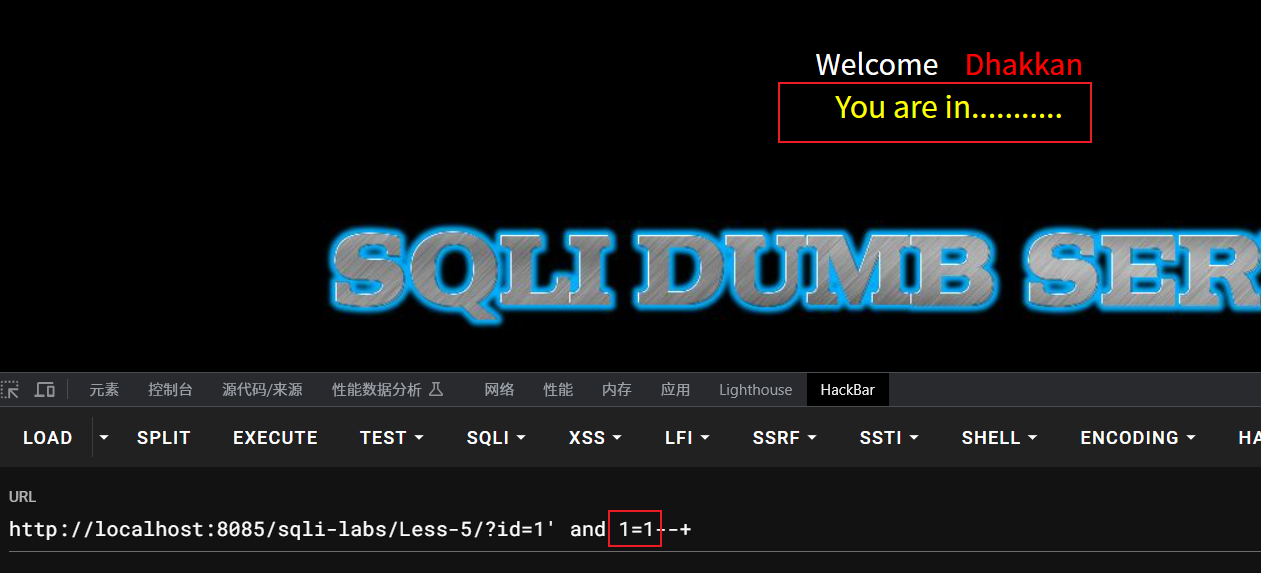
1 | http://localhost:8085/sqli-labs/Less-5/?id=1' and 1=2--+ //页面错误 |
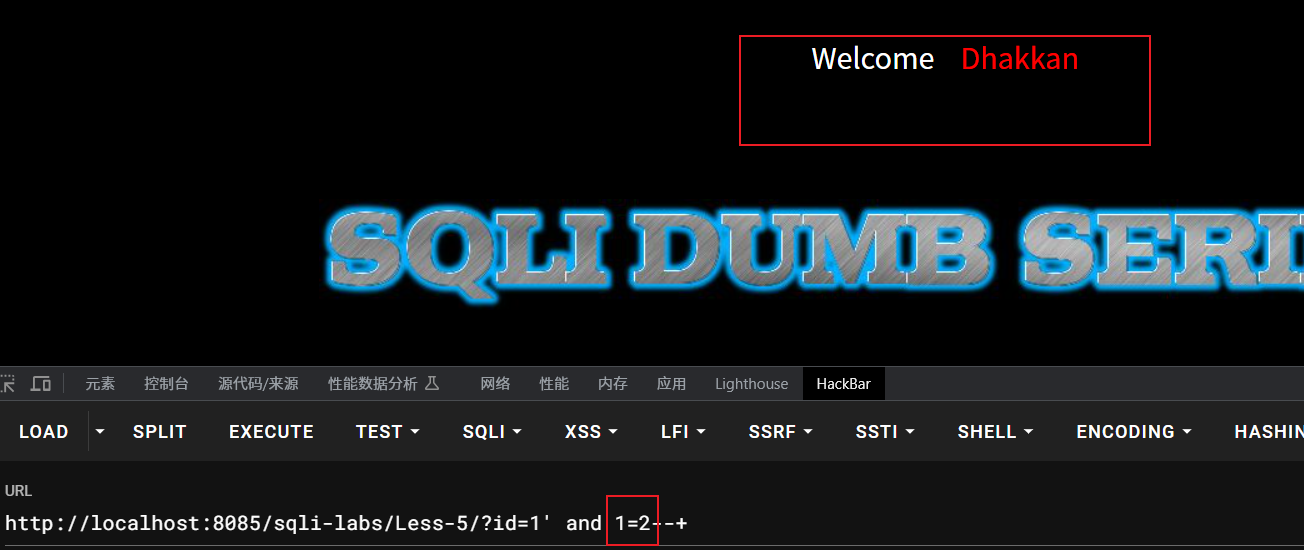
存在注入点,得出参数是字符。(如果单引号不行,继续尝试双引号)
参考视频